-
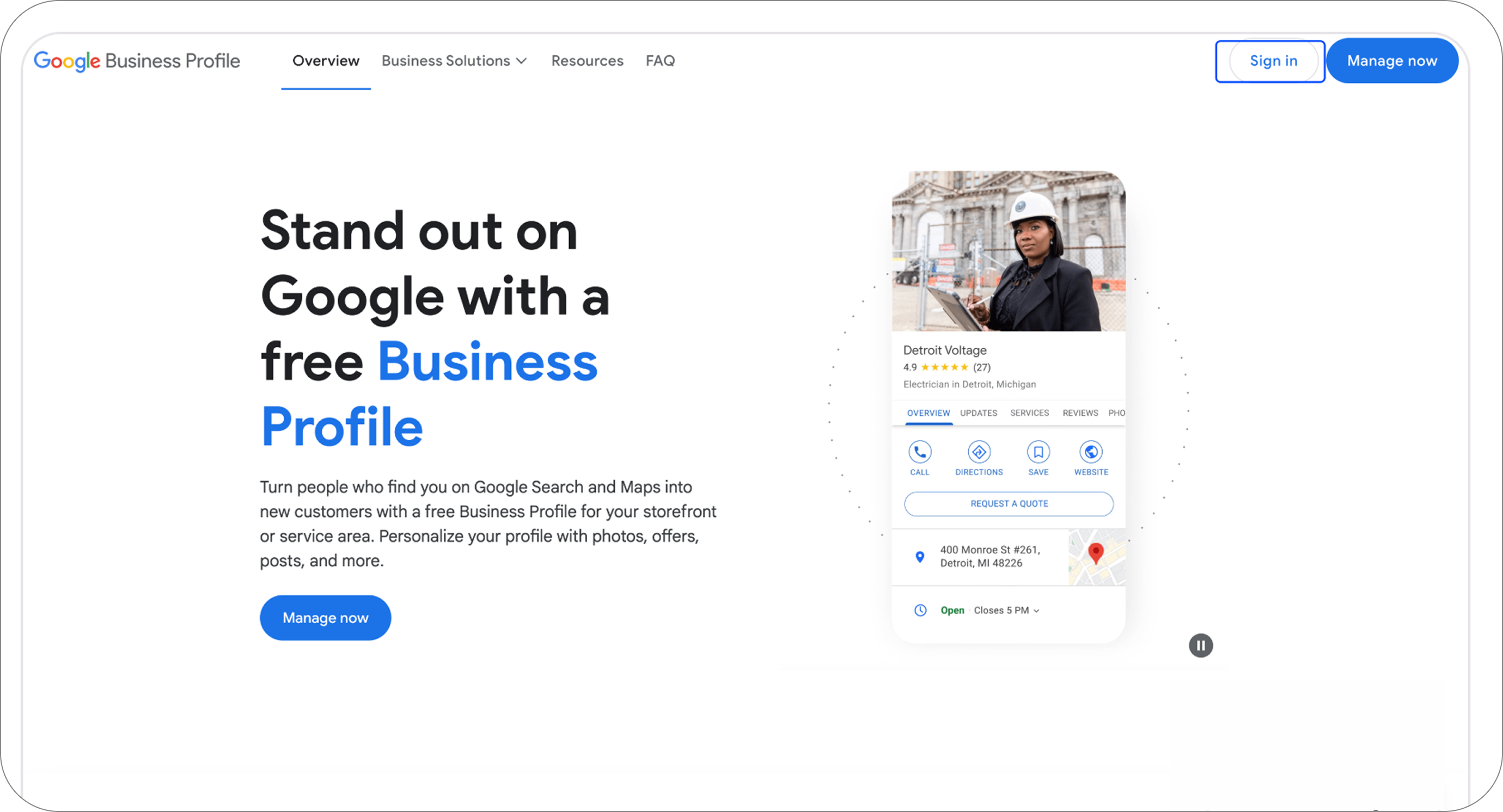
Navigate to https://business.google.com and click Sign in on the top right
-
Sign in with your email address/phone number and password
.png)
-
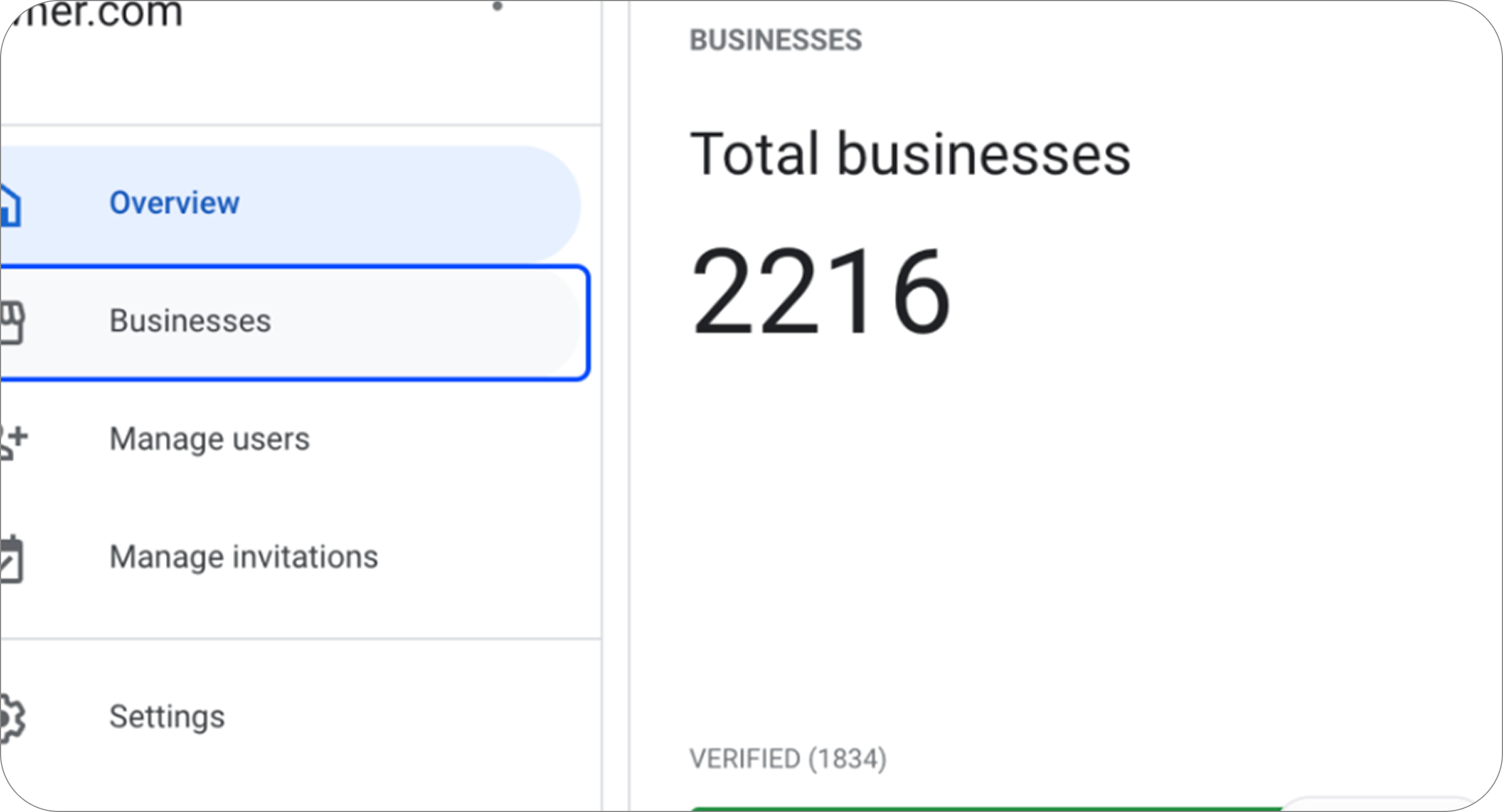
Click on Businesses
-
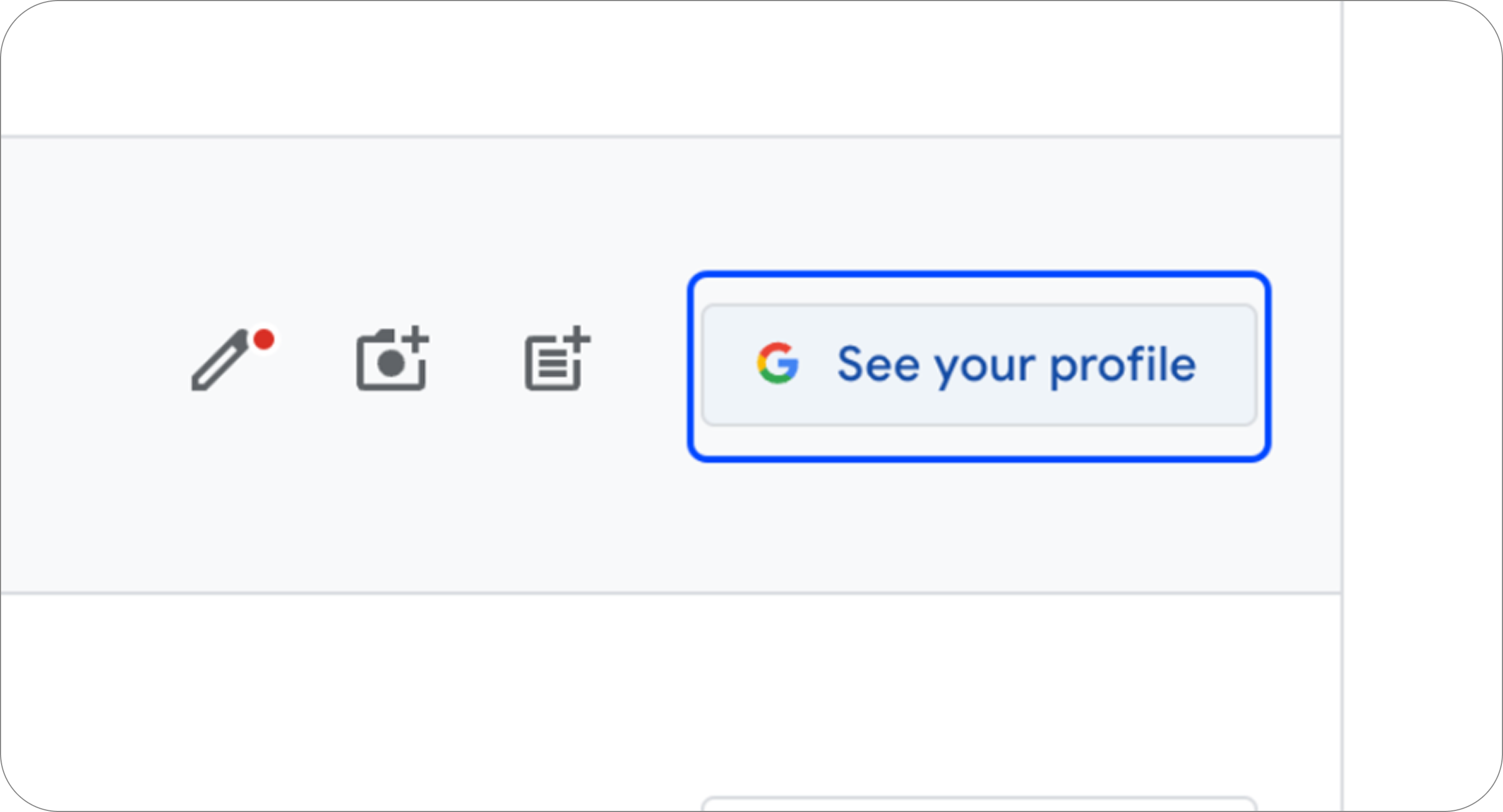
Click on See your profile
-
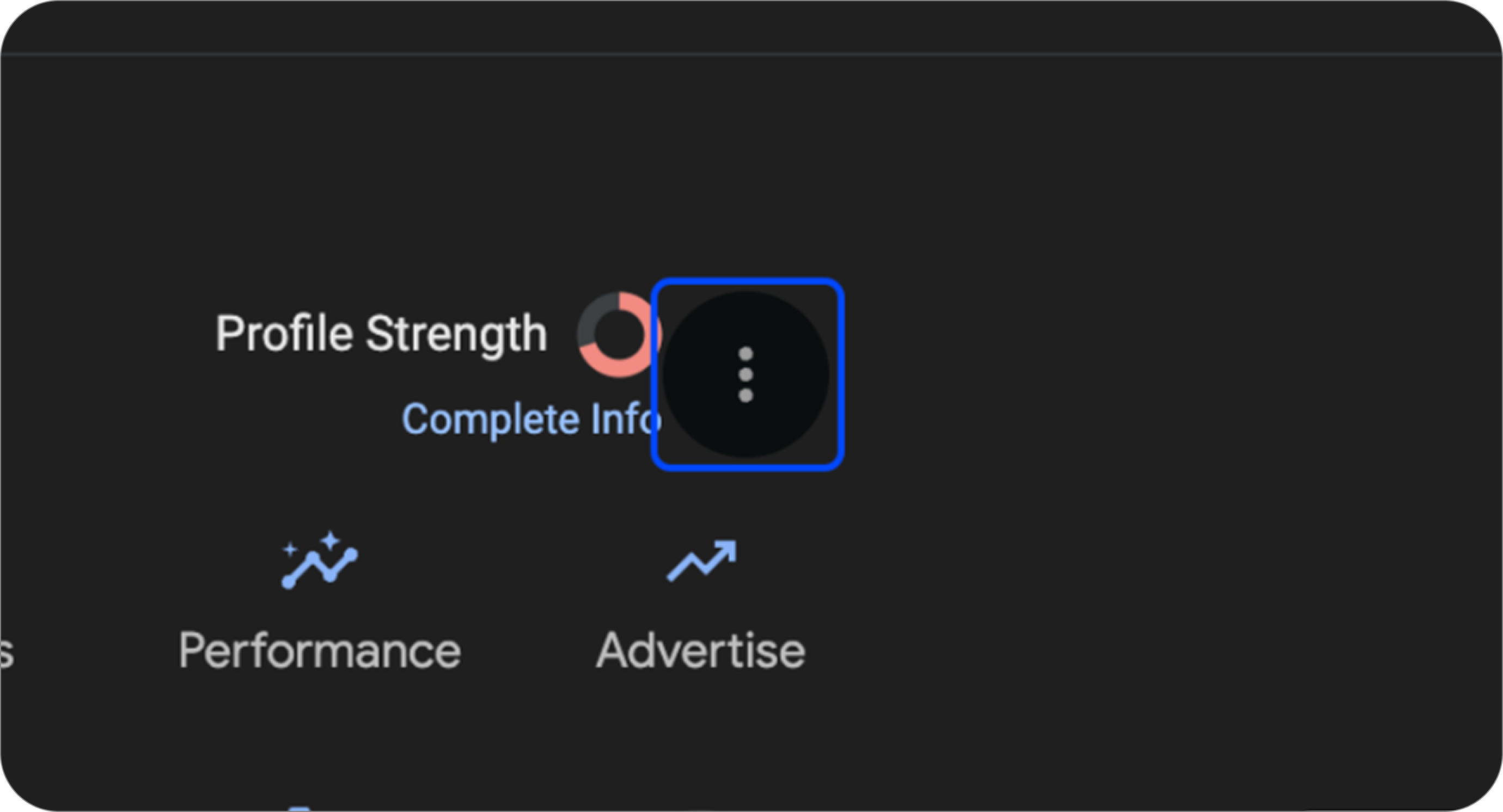
Click the three vertical dots next to Profile Strength
-
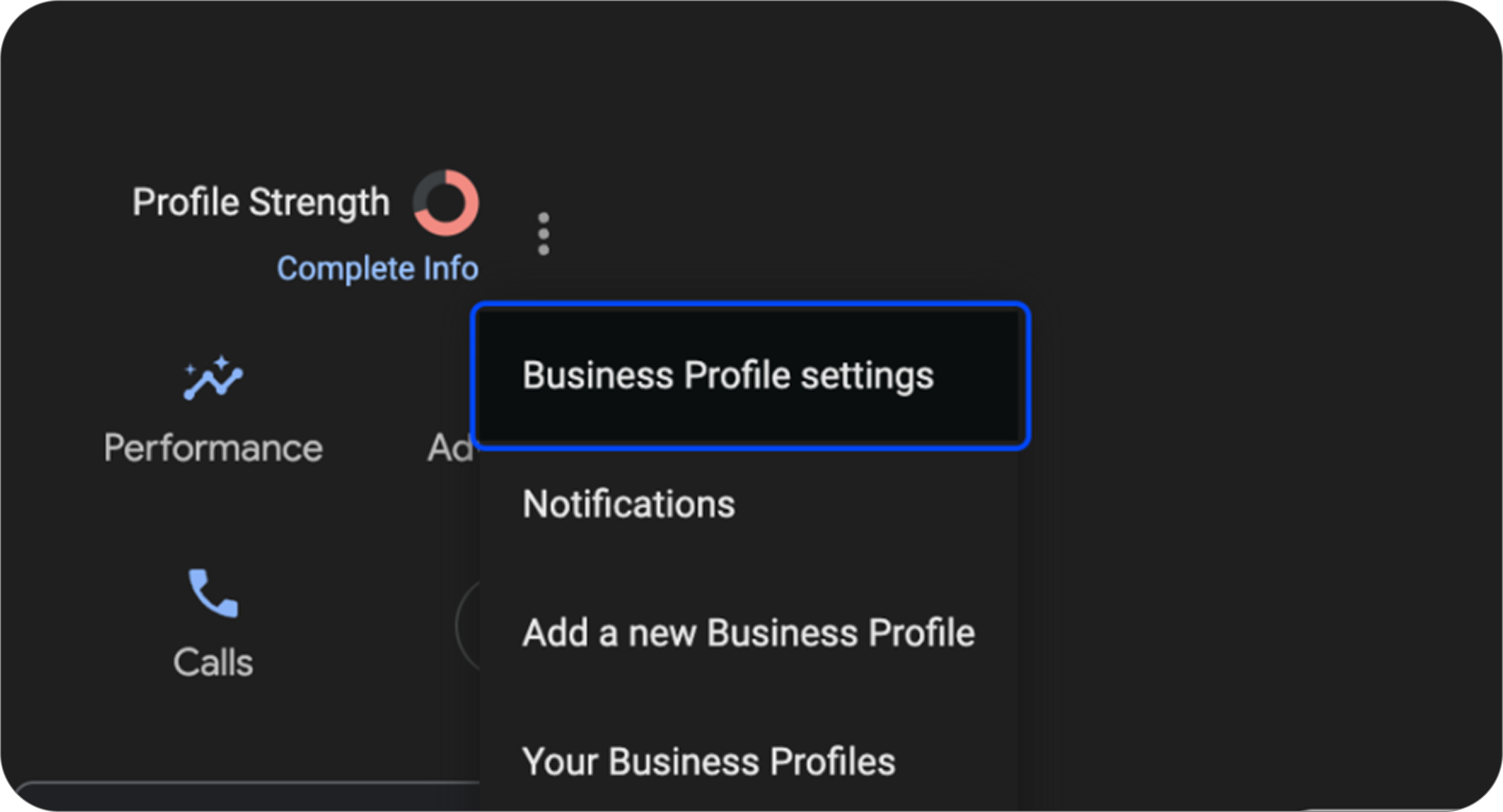
Click on Business Profile settings
That’s it! You’ll now have successfully added Bookdshop as a manager of your Google Business Profile.